steps until Instagram opens.
Steplock locks the apps you lose hours to and opens them once you've walked your steps for the day. Your iPhone counts them. There's nothing to log and no "ignore limit" button.
Steplock is waiting for App Store review. Until then, the public beta installs through Apple's TestFlight app. Free to start. No card needed.
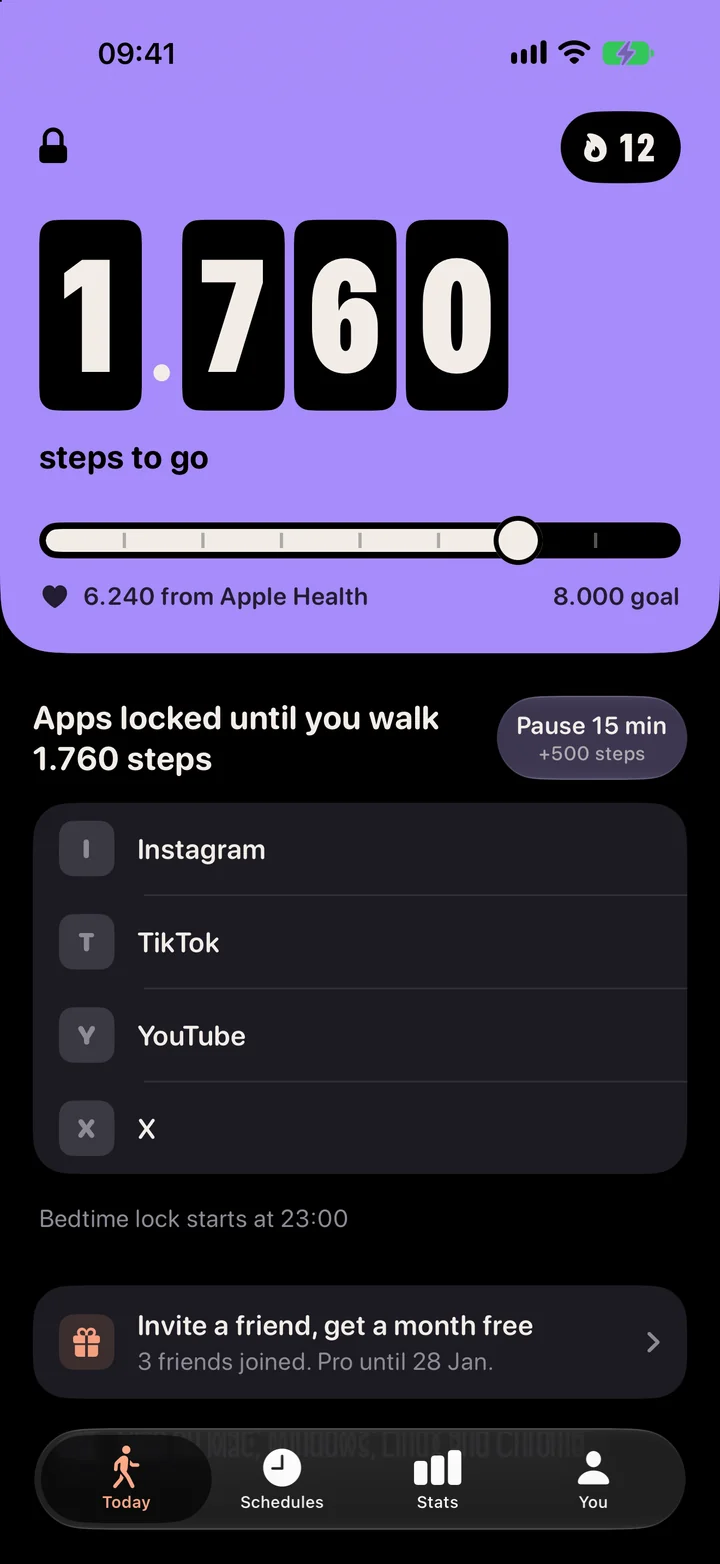
Screen Time asks nicely. Steplock doesn't.
A daily limit is one tap away from "ignore limit for today". After a week, that tap is the habit.
Steplock puts something in the way that a thumb can't dismiss: a walk. The apps you pick stay shut until your iPhone has counted the steps, so an evening on TikTok costs you a few thousand of them first. Walk to the shop, take the stairs, go the long way round. The feed is still there when you get back.
How it works, on a Tuesday.
You pick the apps, a step goal and a couple of schedules once. After that, the day runs itself.
-
07:00
The bedtime lock ends. The step lock starts.
Instagram, TikTok, YouTube and X are locked. You've walked 0 of 8,000 steps, and the Today screen says so in big numbers.
-
08:20
The walk to the station counts.
Your iPhone and Apple Watch count steps through Apple Health. Steplock reads the total, so 3,100 steps later the odometer has rolled down on its own.
-
09:00
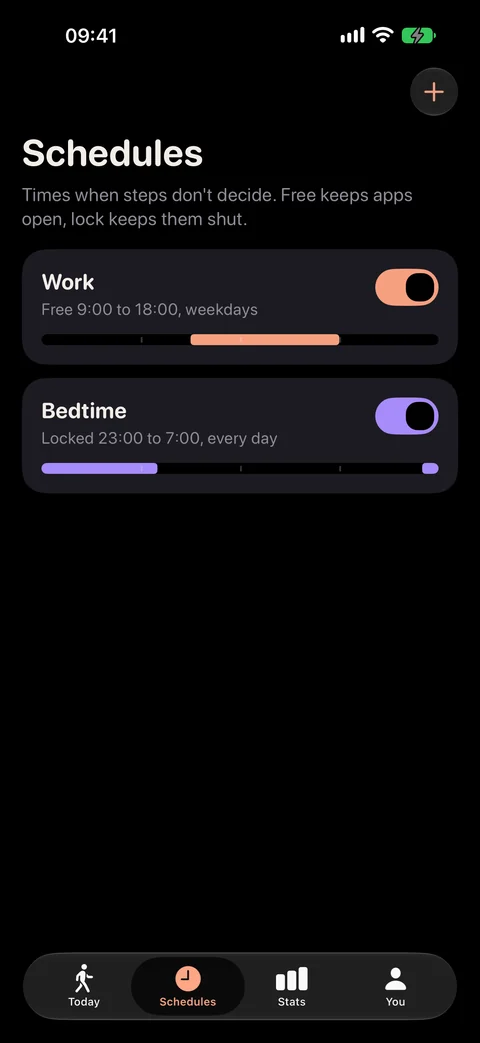
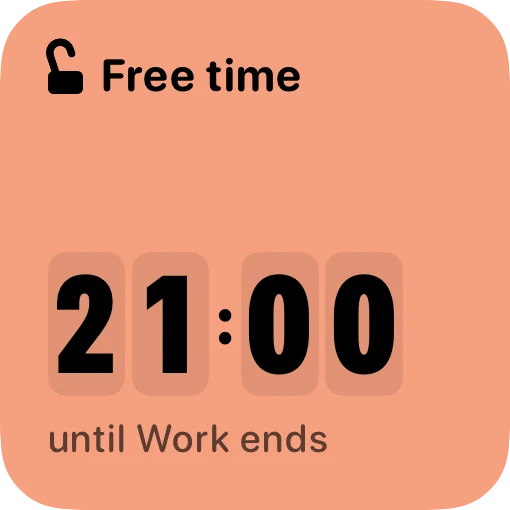
Work hours are free.
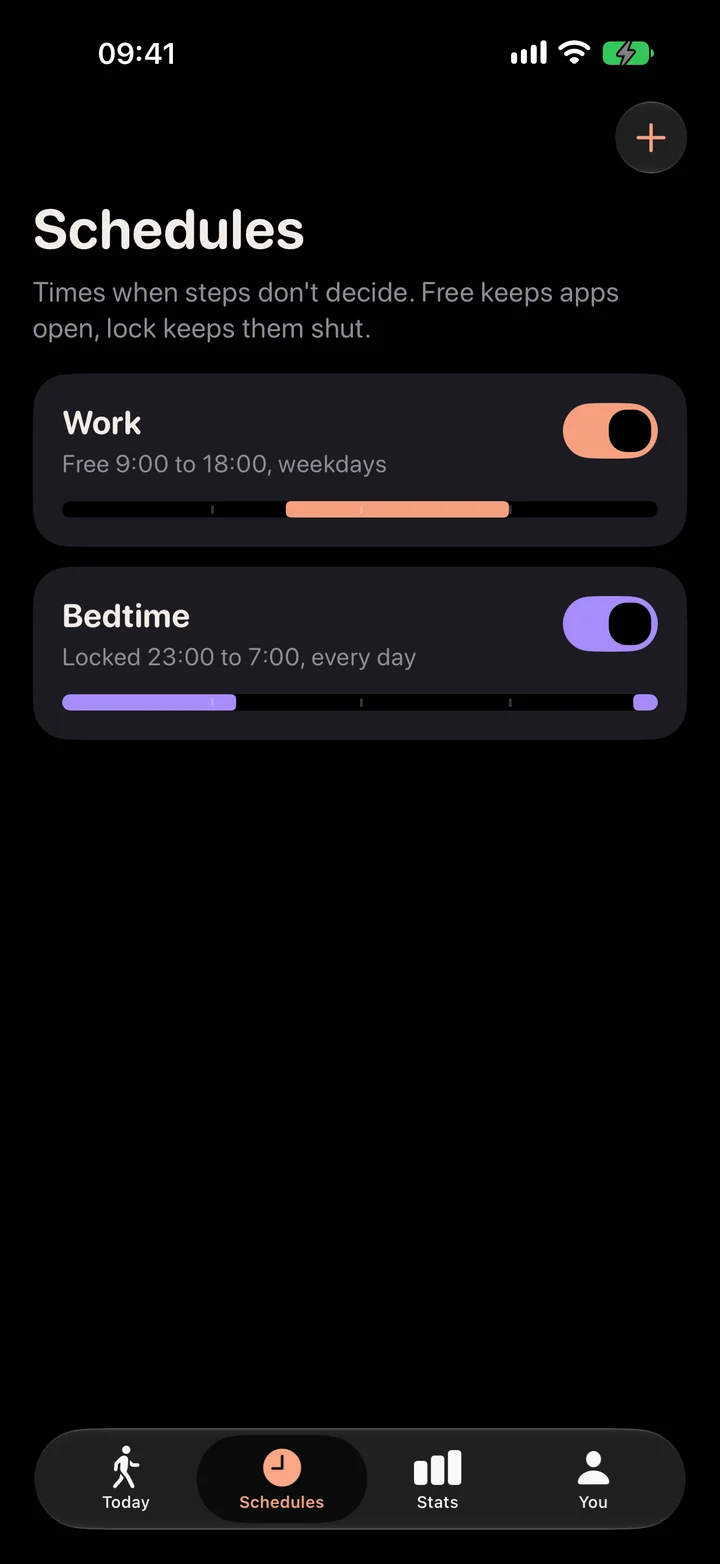
A Work schedule keeps everything open from 9:00 to 18:00 on weekdays, for the days you need YouTube or X for your job. Steps don't decide inside a schedule.
-
18:00
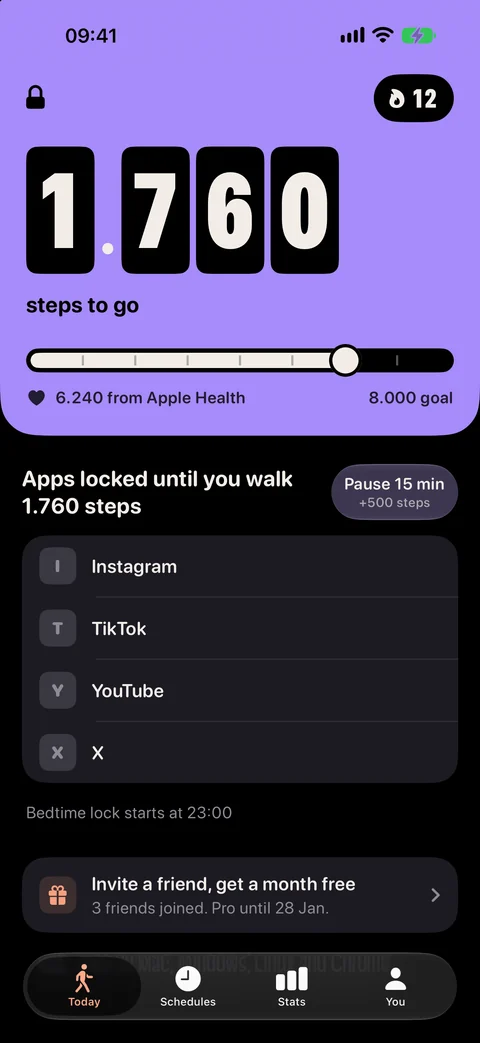
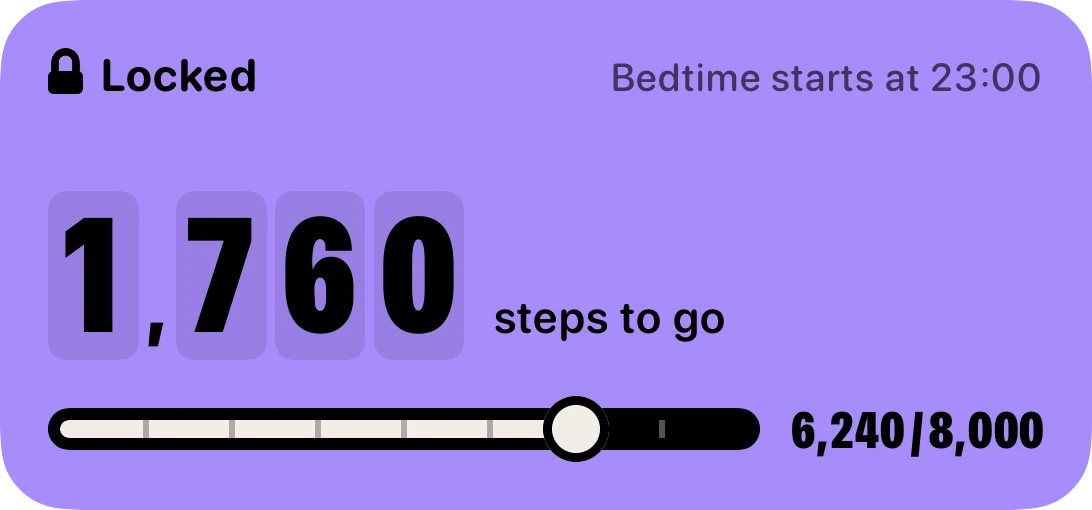
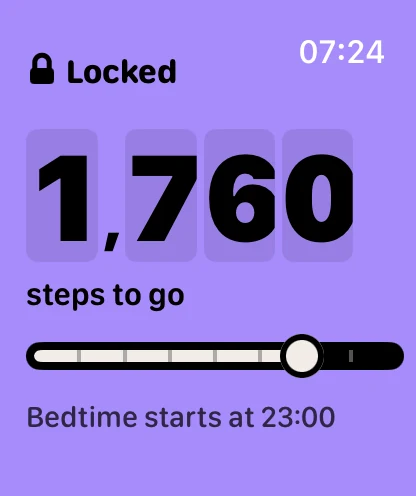
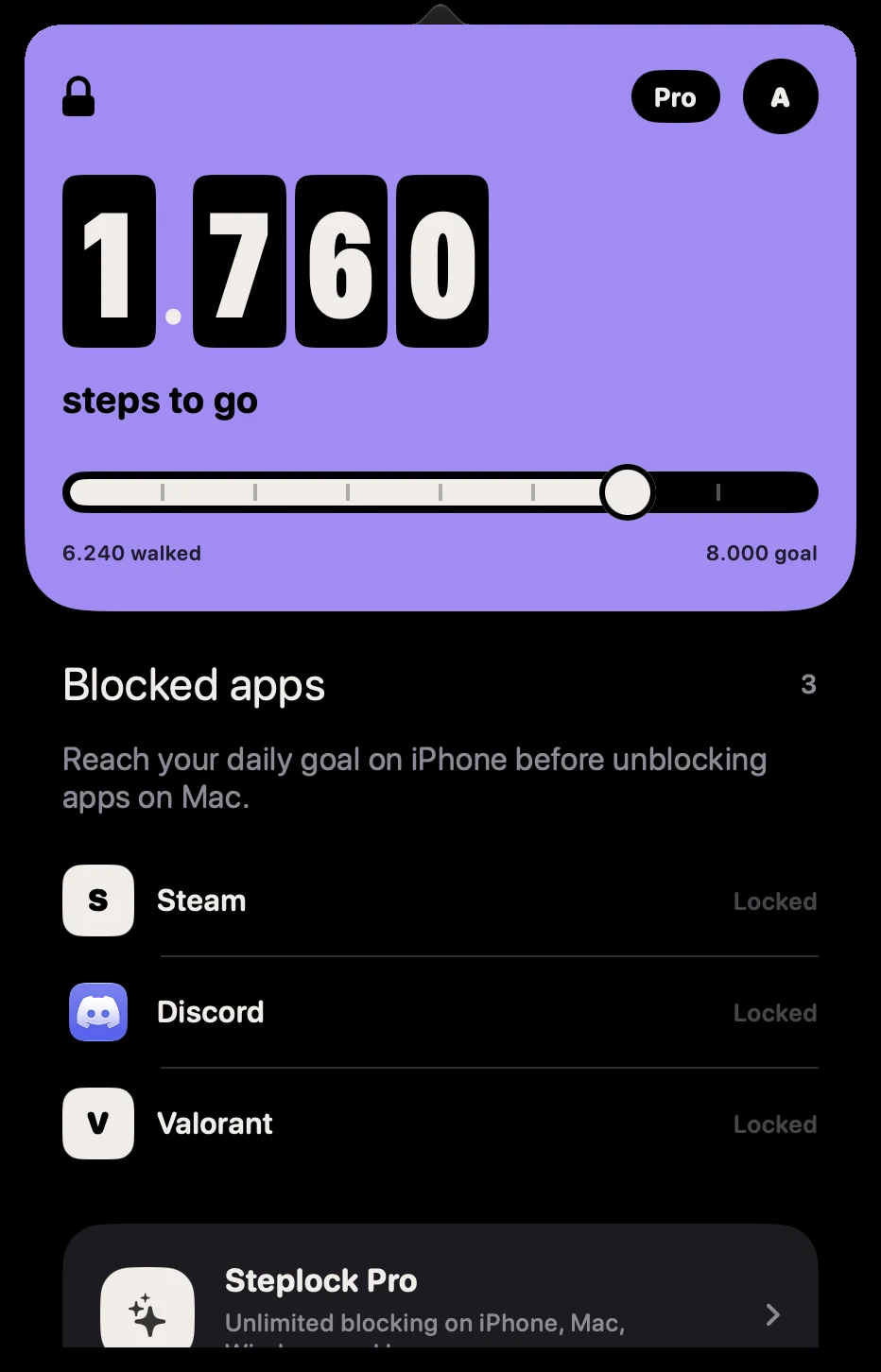
Back to walking. 1,760 steps to go.
The apps lock again until the goal is reached. You can pause for 15 minutes, but every pause adds 500 steps to today's goal.
-
18:24
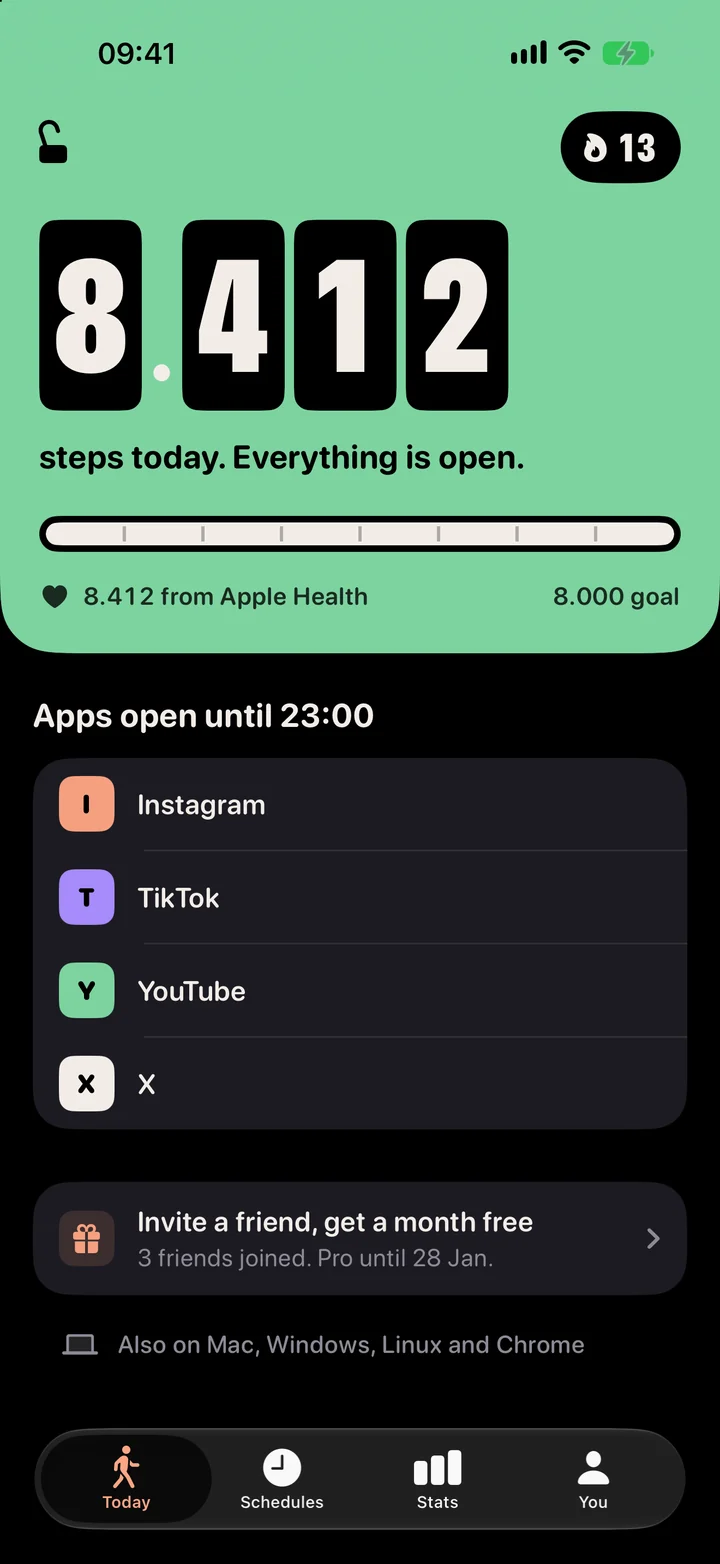
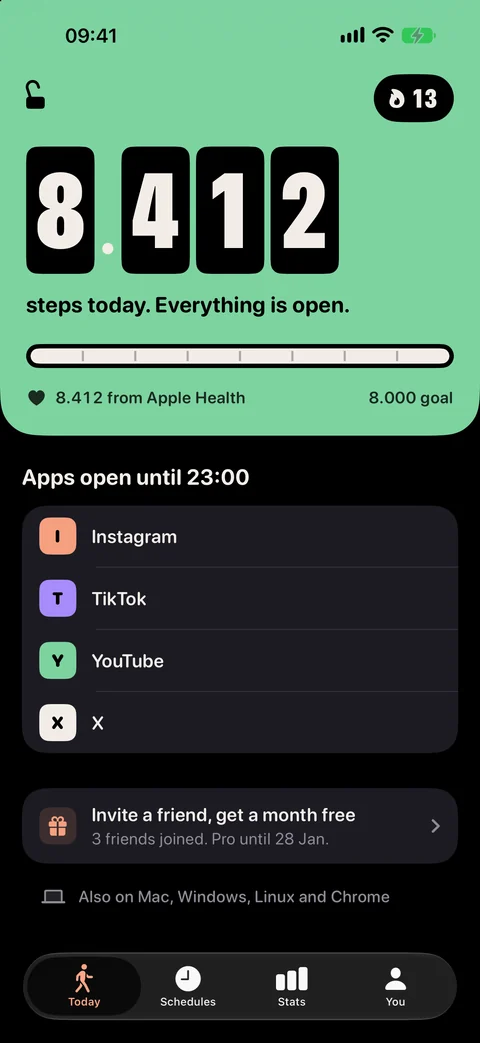
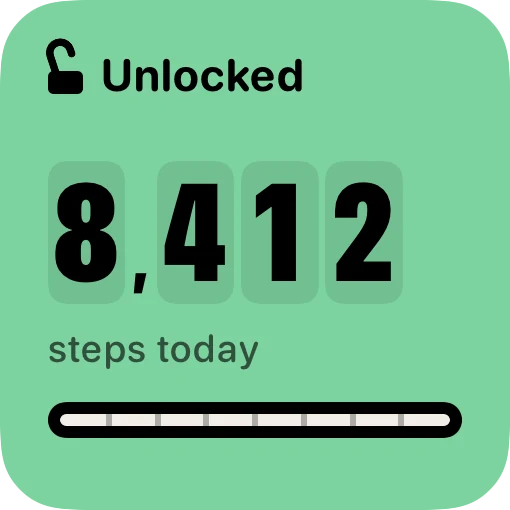
Goal reached. Everything opens.
The block turns mint and your apps open on your iPhone, your computer and your browser at the same moment. They stay open for the rest of the evening.
-
23:00
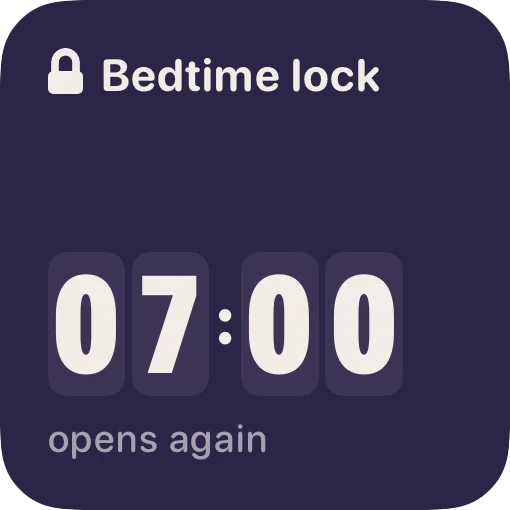
Bedtime lock, however much you walked.
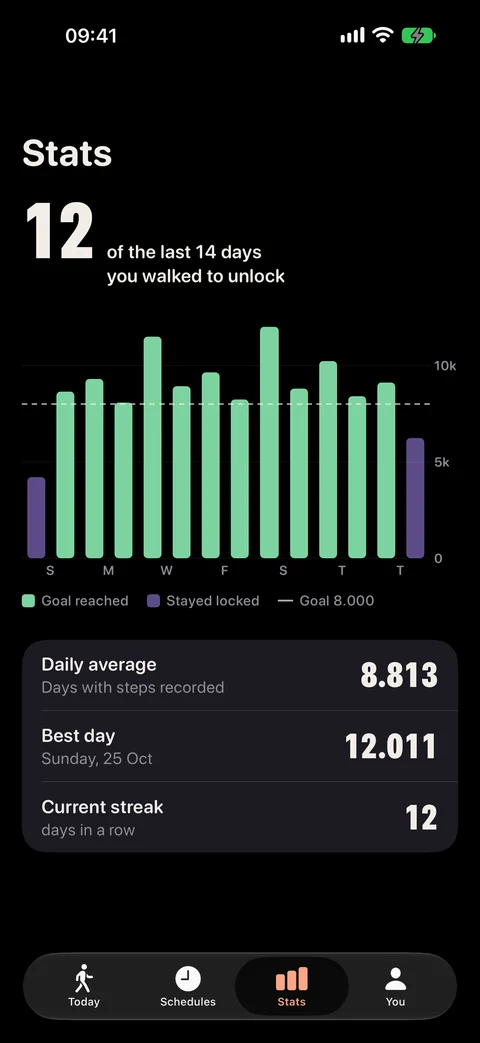
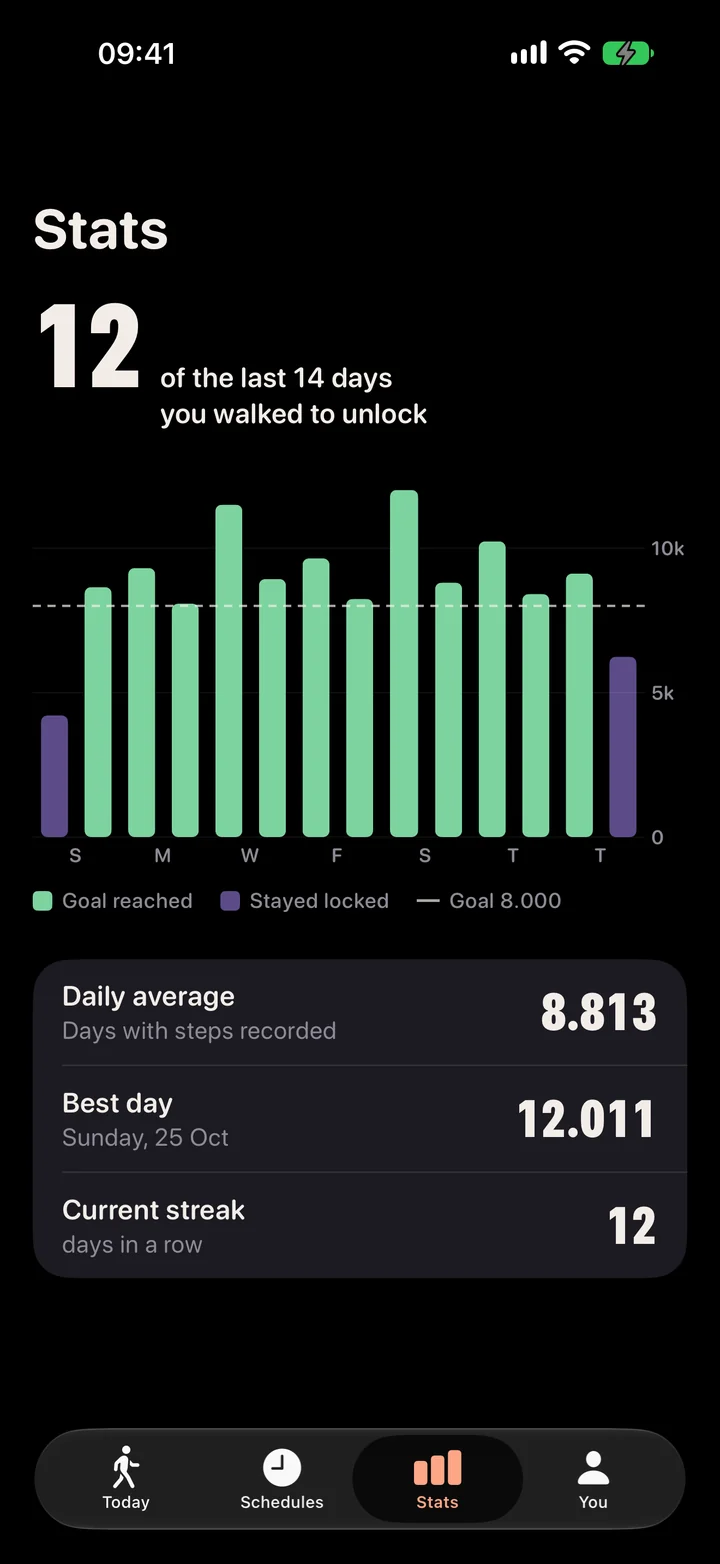
A Bedtime schedule shuts the same apps until 07:00. When a lock and a free window overlap, the lock wins. Tomorrow starts at zero, with your streak one day longer.
The rules.
A lock you can talk your way out of isn't a lock. These are the only ways around it.
- Pausing costs steps.
- Pause for 15 minutes from the Today screen and 500 steps are added to today's goal. Sick days and storms happen; the price stays.
- Strict mode takes the pause away. Pro
- No pause button, no way out but walking. Turn it off ahead of time if you know you'll need a break.
- Or spend steps like money. Pro
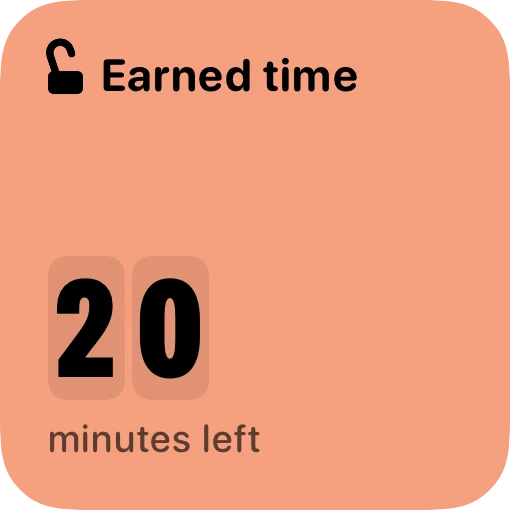
- Earn mode swaps the finish line for a budget: every 1,000 steps buys 10 minutes, spent whenever you like.
- A lock beats a free window.
- If Bedtime and Work overlap, the apps stay locked. Schedules can never be used to undo each other.
- Calls always go through.
- Phone and emergency calls are never blocked. Steplock only locks the apps and sites you chose.
- Steplock never learns which apps you picked.
- On iPhone you choose them in Apple's Screen Time picker, which hands Steplock a token, not a name. It reads one number from Apple Health: your steps.
One walk, every screen.
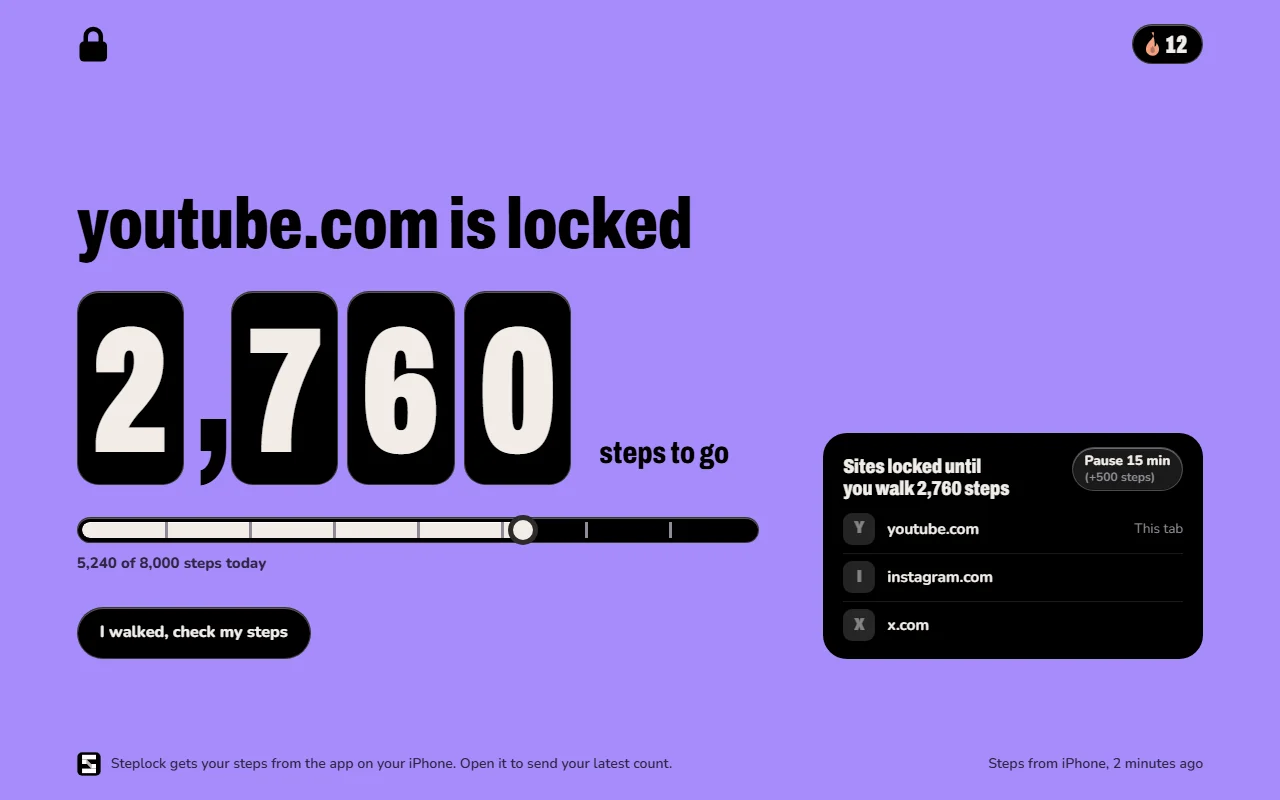
Sign in with the same account on each device. Your iPhone counts the steps, and when you reach the goal your laptop and browser open with it.
Bring a friend, get a month of Pro.
Every friend who signs up with your code adds a month to your account, with no limit. They get the usual 7-day trial. Find your link in the app under You, then Invite friends.
Free does the job.
Lock three apps, set a goal and walk: that's free, forever. Pro is for people who want more apps, more schedules and no way out.
| Feature | Free | Pro |
|---|---|---|
| Daily step goal | Yes | Yes |
| Blocked apps, games and sites | 3 per device | Unlimited |
| Schedules, like work hours or bedtime | 1 | Unlimited |
| iPhone, Mac, Windows, Linux and Chrome | Yes | Yes |
| Earn mode: steps buy minutes | No | Yes |
| Strict mode, no pause button | No | Yes |
| Apple Watch app and Lock Screen widgets | No | Yes |
Subscribe in the iPhone app or the desktop app. Cancel anytime, and you keep Pro until the end of the period you paid for.
Before you lock anything.
Something else? Visit support or email support@imbored.fun.
Do I need an Apple Watch?
No. Your iPhone counts steps on its own through Apple Health. If you wear an Apple Watch, its steps count too, and Pro adds a Steplock app on your wrist.
Does it work without an iPhone?
The steps come from your iPhone, so you need one to count them. The Mac, Windows, Linux and Chrome apps then lock and unlock with it.
Which apps can I block?
On iPhone you pick apps and categories with Apple's Screen Time picker, so Steplock never sees which apps you chose. On Mac, Windows and Linux you choose apps and games to close. In Chrome you list websites.
What if I'm sick, injured or it's pouring?
Pause Steplock for 15 minutes at a time from the app. Each pause adds 500 steps to today's goal. Strict mode turns pausing off on purpose, so switch it off ahead of time if you think you'll need it.
Is my health data private?
Steplock reads only your step count from Apple Health. To unlock your other devices it syncs your daily step total, goal and lock status to your account. Nothing is used for advertising. Read the privacy policy.
How do I cancel Pro?
On iPhone, open Settings, tap your name, then Subscriptions. If you subscribed on a computer, use Manage subscription in the app's Account page. You keep Pro until the end of the period you paid for.
1,760 steps is under 20 minutes of walking.
That's what Instagram costs tonight. Steplock is free to start on iPhone and on every computer.